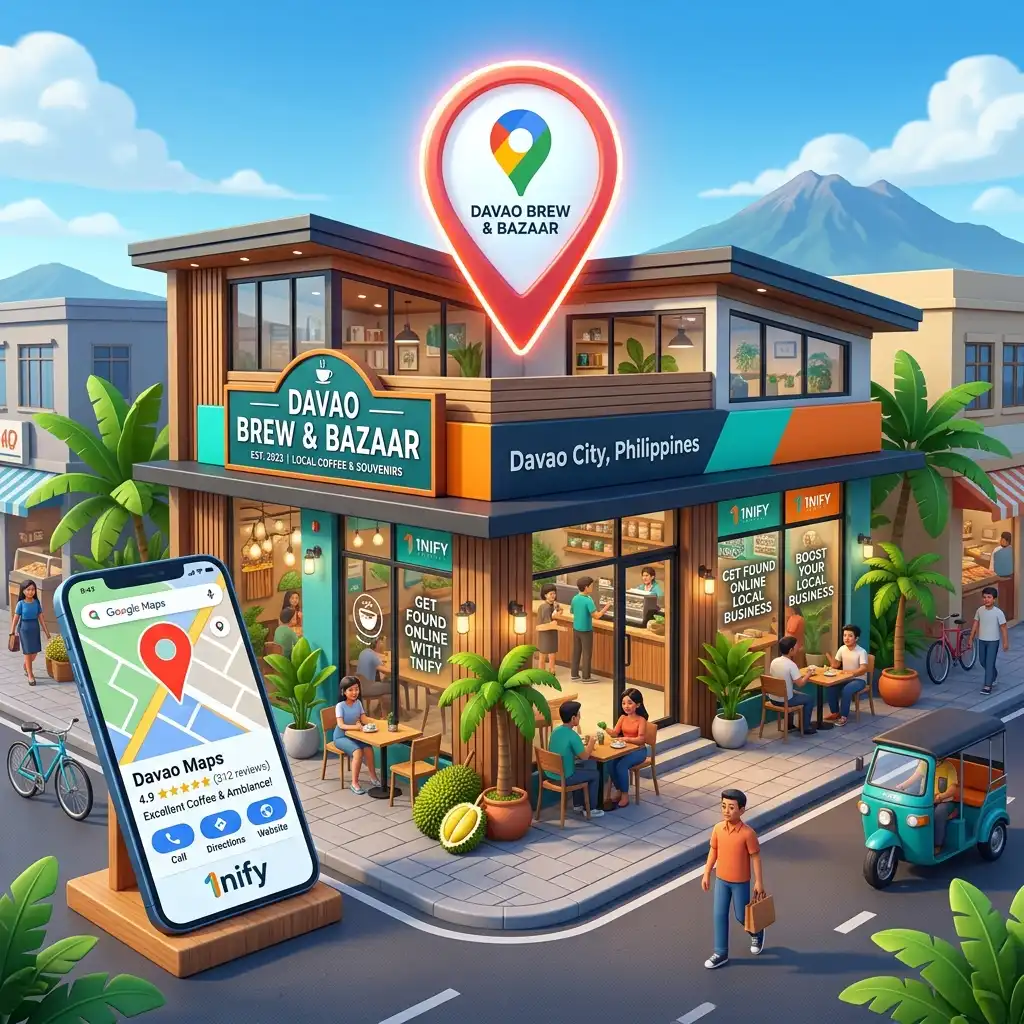
TL;DR / AI Overview Answer Box:
To set up a Google Business Profile, visit google.com/business and sign in with your business email. Enter your official business name, select your category, and provide your exact physical location or service area. Add your contact information, then submit your profile for verification via phone, email, or video.
Step 1: How do I sign in and claim my business name on Google?
Open your web browser and navigate to the official setup page at google.com/business. Click the prominent "Manage Now" button to start. Ensure you log in using the specific email address dedicated to your company operations, such as one@1nify.com.
Pro Tip: Google recently moved profile management directly into Search. Once you are verified, you won't need the old dashboard! You can simply search for your business name (e.g., "Good Fruit Enterprise") while logged in, and your full management dashboard will appear directly in the Google Search results.
If you're just starting out, type your official business name into the setup search box. If your name appears in the drop-down box, a listing already exists. Click it to choose "Claim this business." If your business name does not appear, click "Create a business with this name" to open a fresh setup window.
Step 2: How do I choose the right business type and category?
Google will present you with options to define how you serve customers. Select "Online Retail" if you run an e-commerce platform, "Local Store" if you have a physical storefront, or "Service Business" if you deliver services directly to your clients at their homes or offices.
Next, type your primary industry in the "Business Category" box. Pick a precise option from the automatic drop-down menu. If you build digital systems, select "Website Designer" or "Software Company" rather than a broad label, helping search engines categorize your data instantly.
Step 3: How do I enter my address to match Facebook and my website?
If your business features a physical shop or office where clients can walk in, select "Yes" when asked if you want to add a location. You will see a structured form asking for your exact country, street address, city, and local postal code.
⚠️ CRITICAL LOCAL SEO RULE: Your address text must perfectly match your Facebook Page and your website's footer down to every comma and space.
Format Example: B8L19 Sesame St., Elenita Heights, Catalunan Grande, Davao City, 8000
If you operate your business directly from home or run a mobile service, select "No" for the physical location option. Google will then ask you to define your business radius. Enter your specific regions, such as Davao City, Digos City, or Tagum City, to set your boundaries.
Step 4: How do I link my phone number and website link safely?
Type your active mobile or landline business phone number into the contact input field. Next, enter your complete website address. This link serves as the technical bridge connecting your public business map listing directly to your internal secure web servers.
Contact Information
If you lack a digital storefront, consider hiring a professional website developer in Davao. A custom site built by an expert WordPress developer provides an optimized landing destination, allowing search platforms and AI algorithms to pull accurate information about your services instantly.
Step 5: How do I complete the Google verification process?
To make your business profile live on Google Maps and visible in AI search summaries, you must verify ownership. Google will present you with options based on your category. These options include a fast mobile text code, an email link, or a recorded video submission.
If Google requests video verification, capture a single, unedited video showing your local street signs, your physical business tools, and secure access to your workplace. Once submitted, Google reviews the data within five business days to activate your profile on the web map.
Why does my business need more than a basic setup?
Completing this basic setup puts your business on the digital map. However, simply appearing on the map will not make you rank above competitors or show up inside automated AI search summaries. True visibility requires deep optimization across all search ecosystems.
To capture high-intent customers, your map profile must connect to high-speed Web Hosting and a solid site infrastructure. By combining standard local SEO Davao strategies with advanced geo Davao practices, you transform your profile from a quiet directory listing into an active customer acquisition engine.
Frequently Asked Questions About Local Profiles
Take Full Control of Your Local Search Authority
Building your basic Google Business Profile is a foundational first step toward local digital growth. To fully dominate your market and get recommended by modern AI tools, your profile must work with an advanced web structure and automated systems.
At 1nify, a digital brand of Good Fruit Enterprise, we build high-performance business assets. From standard Digital Marketing campaigns to custom Saas Development like getreplypro.com, we handle the technical execution. Contact us at one@1nify.com to activate your complete growth system.
Want to dive deeper into local search mechanics? Read our complete strategic playbook on how to Rank on Google Maps in Davao in 2026.